
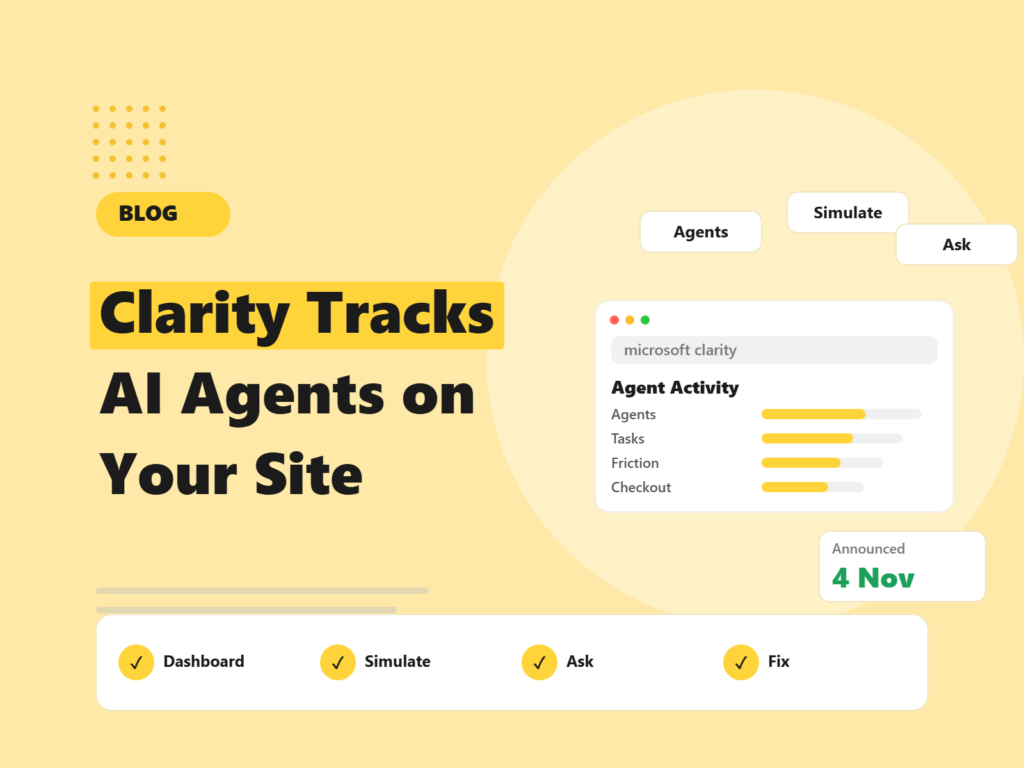
More of your website visitors may soon be software acting for a person: AI agents that browse, compare and try to check out. On 4 November 2026, Microsoft Clarity announced new tools to see and test that traffic. Search Engine Roundtable covered the launch: an Agent Activity dashboard, simulation assessments, an “Ask Clarity” assistant, and an expansion of Brand Agents to local businesses. Here is what each one does, who it helps, and a simple way to try it.
Quick answer: Clarity’s new agentic analytics show which AI agents visit your site and what they do. Simulation assessments test whether agents can finish key tasks such as checkout and report friction points. Ask Clarity answers plain-English questions about site behaviour. Simulations start with commerce and travel scenarios.
What did Microsoft Clarity add?
Clarity is Microsoft’s free behaviour analytics tool, known for heatmaps and session recordings. The 4 November update adds four things, based on the Search Engine Roundtable report:
- Agentic analytics: an Agent Activity dashboard that shows which AI agents visit your site, what they do, and how agent traffic changes over time.
- Simulation assessments: tests that check whether agents can complete key tasks such as checkout, and report completion, time taken, number of interactions and friction points.
- Ask Clarity: lets you ask natural-language questions about site behaviour and get answers backed by session evidence. The report compares it to Google Analytics’ Ask Advisor.
- Brand Agents for local businesses: an extension of Brand Agents that lets local businesses capture leads and book appointments.
Which agents does it cover, and which industries?
The report does not name specific AI agents. It cites Microsoft’s figure that AI agents “nearly doubled in three weeks to almost 2 million.” Simulations start with commerce and travel scenarios, with more customer journeys planned. Brand Agents target local businesses and product discovery across Microsoft Copilot, Bing and MSN.
Why should marketers care about AI agents on their site?
Because an agent that cannot finish a task is a lost sale you never saw. Standard analytics treats a failed agent visit like any other bounce, or may not count it at all. With agent-focused reports you can start asking:
- Which agents are visiting, and which pages do they look at?
- Do they reach checkout, a booking form or a contact form?
- Where do they get stuck: a pop-up, a login wall, a confusing form?
This sits alongside other changes in how people buy through AI. For example, we have covered how OpenAI is letting businesses claim profiles, in our guide to ChatGPT Business Hub benefits.
How to try it: a simple plan
- Install or check Clarity. If you already use Clarity, look for the new reports. Availability can roll out gradually, so confirm in your account.
- Look at Agent Activity first. Note which agents show up and how often. Keep a baseline so you can spot changes.
- Run a simulation on your key journey. For a shop, that is product to checkout. For a service business, a booking or enquiry form.
- Fix the friction it finds. Common causes include intrusive pop-ups, forms that need steps a machine cannot take, and unclear buttons.
- Ask Clarity a question. Try, “Where do visitors drop off on checkout?” and check the answer against the session recordings it points to.
- Re-test after changes. Run the simulation again and compare completion and time.
How does this fit with the rest of your analytics?
Clarity shows behaviour; it does not replace your traffic and conversion reporting. Keep GA4 for channels and conversions, Search Console for search, and use Clarity to see what happens on the page. If your GA4 set-up needs attention first, see our GA4 consulting service, or read how AI visits are changing referral data in our AI search market share guide.
Things to be careful about
- Privacy and consent. Make sure your cookie and privacy notices cover behaviour analytics where required.
- Test, do not assume. The simulations are Microsoft’s; they show whether a test agent succeeded, not how every real agent behaves.
- Do not block good agents by accident. Aggressive bot rules can stop legitimate customers’ agents.
What we do not know yet
- Exactly which agents the dashboard identifies.
- When simulations will cover journeys beyond commerce and travel.
- How accurate agent detection is across different sites.
Final thoughts
Agent traffic is small, growing and mostly invisible to normal reports. Clarity’s new tools give you a first look and a way to test. Start with one key journey, fix what the test finds, and re-check. If you want help setting up analytics that handle AI traffic properly, request a free website audit.
Frequently asked questions
What is Microsoft Clarity agentic analytics?
An Agent Activity dashboard in Microsoft Clarity that shows which AI agents visit your site, what they do and how agent traffic changes over time.
What are Clarity simulation assessments?
Tests that check whether AI agents can complete key tasks such as checkout, and report completion, time taken, interaction count and friction points.
What is Ask Clarity?
A feature that lets you ask natural-language questions about site behaviour and get answers backed by session evidence.
Which industries do the simulations cover?
They start with commerce and travel scenarios, with more customer journeys planned.
Does Clarity replace Google Analytics?
No. Clarity shows on-page behaviour. Keep your analytics and Search Console for traffic, channels and conversions.
We set up analytics and test your key journeys so you can see where people, and AI agents, get stuck.

Riya Bhardwaj
Leading content and growth initiatives with a focus on search visibility, audience engagement, and measurable business outcomes. Specialised in SEO, Generative Engine Optimization (GEO), AI search optimisation, and performance-driven content marketing. Passionate about transforming market insights into scalable content strategies that strengthen brand authority and drive sustainable digital growth.