

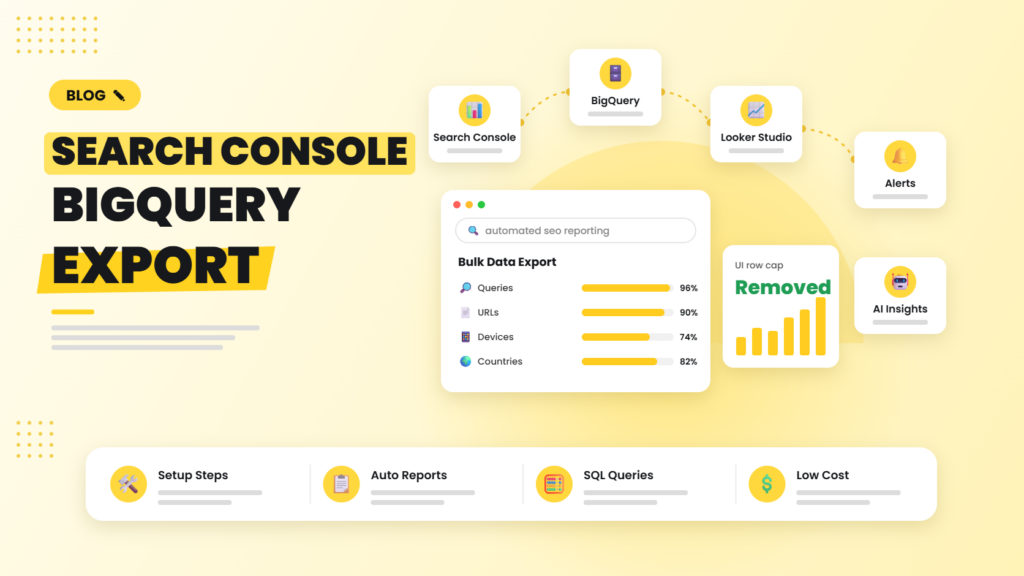
If your site has more than a few thousand pages, the Search Console interface is lying to you by omission. The UI shows a maximum of 1,000 rows per report, and API pulls are capped per request and per day. That means long-tail queries, the ones that often reveal your best content opportunities, simply disappear. The Search Console bulk data export to BigQuery fixes this, and it can power fully automated SEO reporting.
Quick answer: The Search Console bulk data export sends your complete performance data, including anonymised-query totals and far more long-tail rows than the UI shows, into Google BigQuery every day. Setup takes about 15 minutes: create a Google Cloud project, grant Search Console permission to write to it, and enable the export in Settings. Then connect BigQuery to Looker Studio and schedule queries to build automated reports and alerts.
Why the Search Console UI and API are not enough
The Search Console interface limits tables to 1,000 rows. The Search Analytics API goes further, returning up to 25,000 rows per request with pagination, but daily quotas and data sampling on large sites still leave gaps. The bulk export is different: Google writes the data directly into your own BigQuery dataset every day, so you keep a full, growing history that is not limited to the 16 months shown in the interface.
What the bulk export contains
Once enabled, Search Console creates tables in your dataset, including:
- searchdata_site_impression: property-level data aggregated by site, useful for overall trends.
- searchdata_url_impression: URL-level data with query, country, device and search appearance fields, ideal for page-level analysis.
- ExportLog: a record of each daily export so you can check that data arrived.
Queries that Google anonymises for privacy are flagged rather than silently dropped, so your totals reconcile much better than API pulls.
How to set up the export in 15 minutes
- Create or choose a Google Cloud project and enable the BigQuery API. Make sure billing is set up; costs for most sites are very low.
- Grant permissions: in IAM, give the Search Console service account ([email protected]) the BigQuery Job User and BigQuery Data Editor roles.
- Enable the export in Search Console under Settings, then Bulk data export. Enter your project ID, choose a dataset name and a location.
- Wait for the first export, which normally arrives within 48 hours. Data is exported daily from that point, but not backfilled.
Because there is no backfill, the best time to enable the export is today, even if you are not ready to use it yet.
Automating reports on top of BigQuery
1. Build a Looker Studio dashboard
Connect Looker Studio directly to your BigQuery tables. Create pages for overall trends, top pages, query clusters and branded versus non-branded traffic. The dashboard refreshes automatically as new data lands.
2. Use scheduled queries for summaries
BigQuery scheduled queries can run every morning and write summary tables, for example week-over-week clicks by page, or queries that entered the top 10. Dashboards then read the small summary table instead of scanning raw data, which keeps them fast and cheap.
3. Add automated alerts
Use n8n, Make or a Cloud Function to read the summary tables daily and send alerts when a key page loses more than 20% of clicks, when a new query starts generating impressions, or when the ExportLog shows a missing day.
4. Layer AI on the results
Pass the summary rows to an LLM and ask it to explain the biggest changes in plain English for clients or leadership. Because the heavy lifting happens in SQL, the AI step stays fast, cheap and accurate.
Useful queries to start with
- Striking-distance keywords: queries with average position between 8 and 20 and high impressions.
- Cannibalisation check: queries where two or more URLs share impressions.
- CTR outliers: pages with strong positions but below-average CTR, which often need better titles.
- Content decay: URLs whose clicks have fallen for three consecutive months.
What does it cost?
The export itself is free. You pay only for BigQuery storage and queries, and for most small and mid-sized websites that is a few dollars a month or less, especially if you partition by date and query summary tables instead of raw data. Setting a budget alert in Google Cloud avoids surprises.
Pair this with our guide to automating daily SEO tasks and you have a reporting system that runs itself. If you would rather have it done for you, our GA4 and analytics consulting team can set it up end to end.
Frequently asked questions
Is the Search Console BigQuery export free?
Yes, the export is free. You only pay standard Google BigQuery storage and query costs, which are very low for most websites if you partition tables and query summaries.
Does the bulk export include historical data?
No. The export starts from the day you enable it and is not backfilled, so it is worth turning on as early as possible.
What is the difference between the Search Console API and the bulk export?
The API returns data on request with row and quota limits. The bulk export writes complete daily data directly to BigQuery, including more long-tail rows and anonymised-query totals, and you keep the history for as long as you want.
Can I use the export with Looker Studio?
Yes. Looker Studio connects natively to BigQuery, so you can build dashboards that refresh automatically as new data arrives every day.
Do small websites need the BigQuery export?
Small sites with a few hundred pages can manage with the API and Google Sheets. The export becomes valuable once you have thousands of pages or queries, or want long-term history beyond 16 months.
We set up Search Console and GA4 exports to BigQuery, build automated Looker Studio dashboards and create alerts that flag drops before they become problems.

Riya Bhardwaj
Leading content and growth initiatives with a focus on search visibility, audience engagement, and measurable business outcomes. Specialised in SEO, Generative Engine Optimization (GEO), AI search optimisation, and performance-driven content marketing. Passionate about transforming market insights into scalable content strategies that strengthen brand authority and drive sustainable digital growth.